Listing Editor
A Canva-style editor for Amazon creatives
Design and revise main images, gallery infographics, A+ modules, Brand Story panels and storefront banners on a real visual canvas — text, images, shapes, templates, layers and export.
← All modules Listing Builder · Graphics Live
Premium main image on pure white, studio lighting, 85% fill, product identical to reference…



Editing creatives is clunky
Designers work in tools that don’t know Amazon specs
Resizing for every module is manual
Generated images can’t be tweaked or re-captioned
No compliance check before upload
How Listing Editor works
Create
Pick an Amazon preset or custom size.
Design
Add text, images, shapes and templates on a real canvas.
Check
Run the Amazon compliance checker.
Export
Download PNG / JPG / PDF at 1×–4×.
What you can do
Real visual canvas
Select, move, resize, rotate, layer — powered by Fabric.js.
Text & shapes
Full type controls, shapes, fills, strokes and effects.
Image editing
Upload, replace, crop, flip, filters and opacity.
Amazon templates
Editable templates for main, gallery, A+ and Brand Story.
Product assets
Drag in your generated creatives and captures.
Export & compliance
PNG/JPG/PDF export with an Amazon compliance check.








What you get out
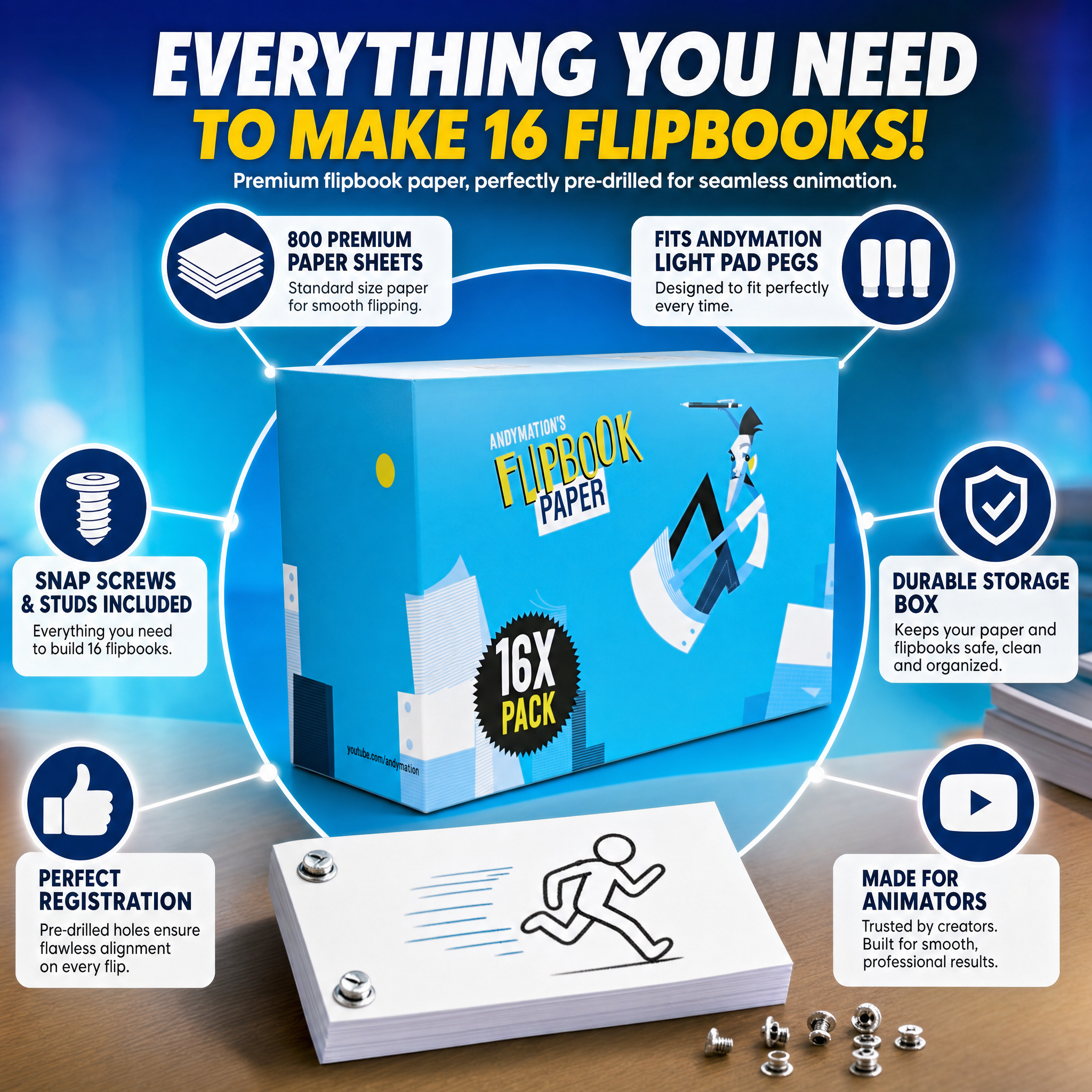
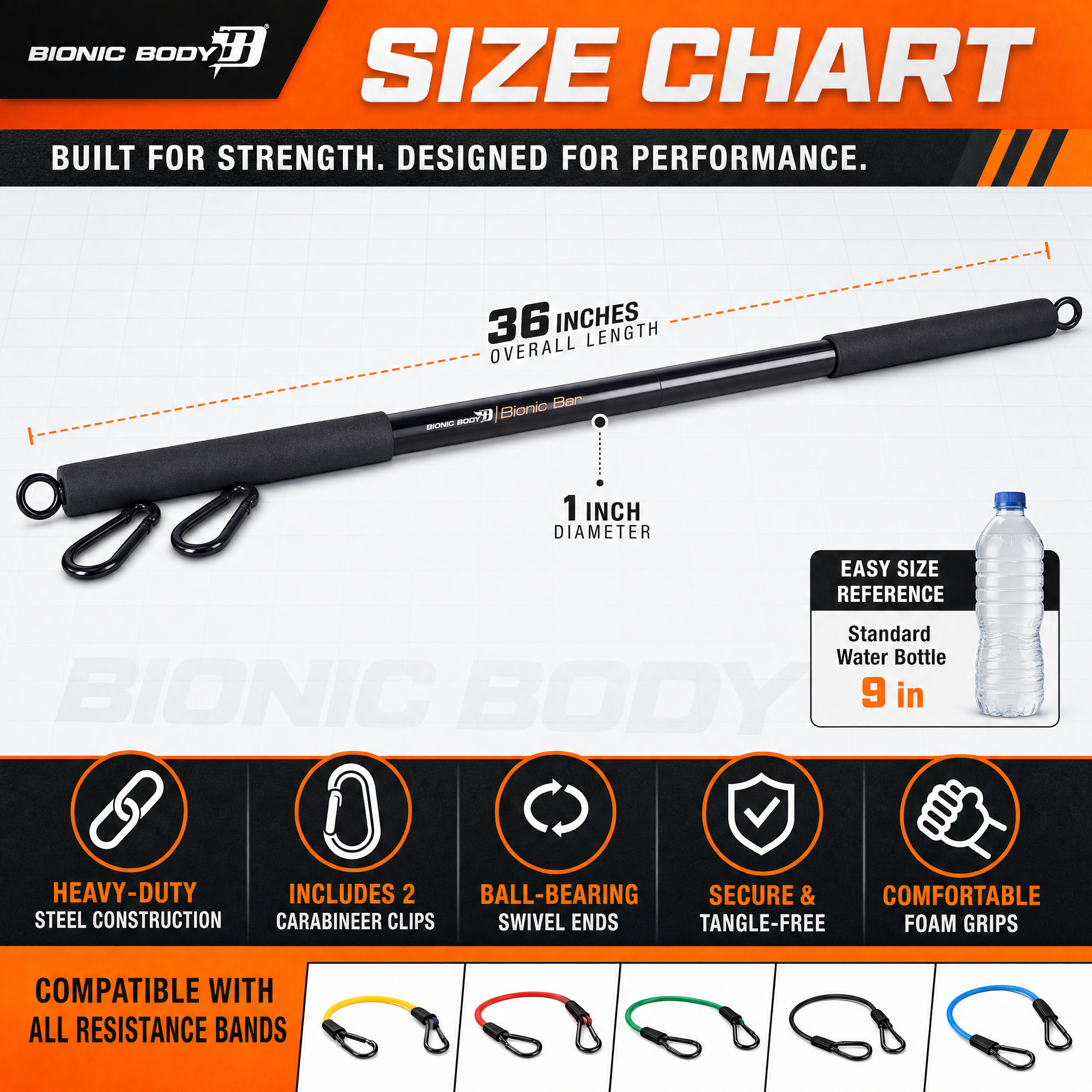
- Amazon-ready PNG / JPG
- Multi-format PDF
- Reusable design projects
Who it’s for
Brands
Tweak generated images and ship Amazon-ready assets.
Designers
Work on an Amazon-aware canvas with real presets.
Agencies
Design and revise client creatives in one place.
Works with the rest of ListingLab
Every module shares one workspace and one brain.
Listing Editor questions
Yes — a full Fabric.js canvas: add and edit text, images and shapes, use templates, layers, undo/redo, and export. Not a mockup.
Start with Listing Editor today
Spin up your workspace and put it to work in minutes.